
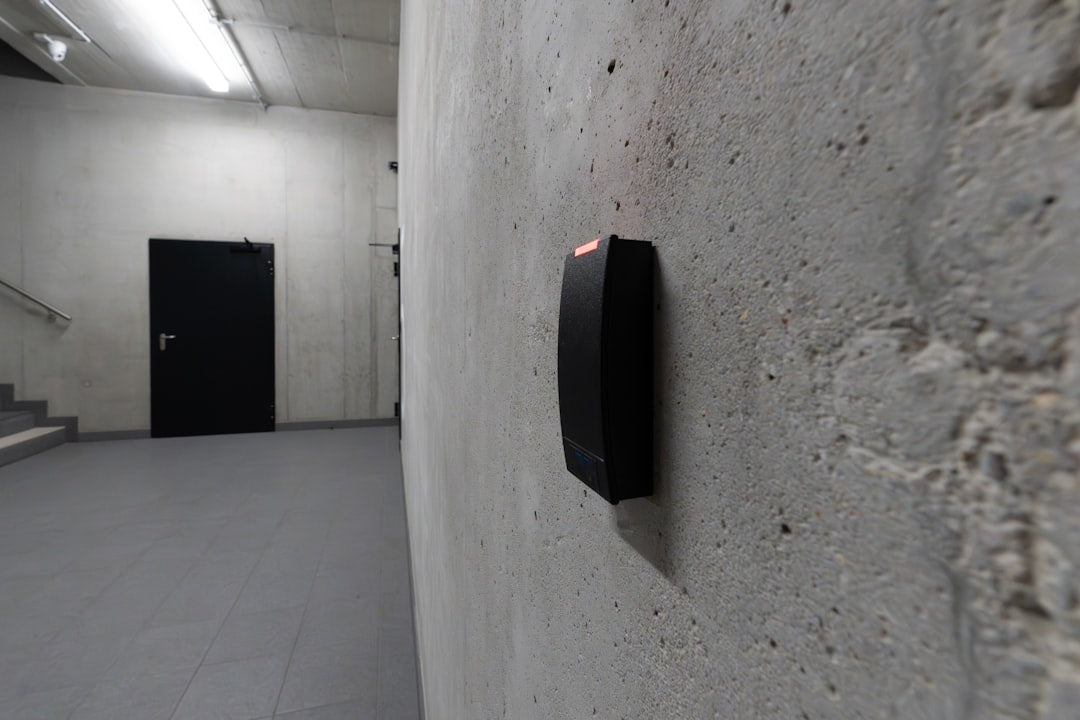

You’ve just invested in an EV, got your home charger installed, and are enjoying the convenience of waking up to a full battery. But what happens when you have multiple drivers in the house, or you need to allow a trusted friend or family member to use your charger? Most modern home chargers, especially the smart ones, use RFID cards for access control. This is great for security and tracking usage, but it can become a headache if a card gets lost or you need more than one.
Quick answer
Lost your charger’s RFID card? Deactivate it in the charger app, then order a replacement from your charger brand or installer (usually ₹200–₹500 per card). For multiple drivers, order spare cards up front or give each user app access. Most smart chargers also have a guest/app-start mode so you’re never stranded.

Why Do Home Chargers Use RFID Cards?
Gone are the days when a home charger was just a fancy socket. Today's smart EV chargers offer features like scheduled charging, load balancing, and, crucially, access control. RFID (Radio-Frequency Identification) cards are a common way to manage who can start a charging session. Think of it like a key card for your gym or office building.
- Security: It prevents anyone from just plugging in and charging their car on your electricity bill. This is especially important if your charger is in a shared parking space, like in a society basement or an open driveway.
- Usage Tracking: If you have multiple EVs, or if you're sharing the charger with neighbours or tenants, RFID allows you to track who used how much electricity. Some chargers even integrate with apps to show you detailed session logs.
- Billing: For commercial setups or societies offering shared charging, RFID is essential for accurate billing of electricity consumption.
For a multi-user home setup, having individual RFID cards for each driver makes managing the charger much simpler and more accountable. Imagine your spouse or grown-up children needing to charge their EV — a dedicated card makes it seamless.
Lost Your RFID Card? Don't Panic!
It's a common scenario: the small, credit-card-sized RFID tag goes missing. Perhaps it fell out of your wallet, or a child mistook it for a toy. Before you start worrying about your EV being stuck with a low battery, know that there are usually straightforward solutions.
Step 1: Check Your Charger's App or Web Portal
Many smart chargers come with a dedicated mobile app or a web-based portal. This is often your first and best resource. Most apps allow you to:
- Deactivate Lost Cards: If a card is truly lost, you can usually deactivate its access remotely, preventing unauthorized use.
- Order New Cards: Some charger brands offer the option to order replacement RFID cards directly through their app or website. These might be pre-programmed or arrive blank, requiring you to pair them with your charger.
- Enable Guest Access: As a temporary measure, some apps allow you to start a charging session remotely without an RFID card, or generate a one-time use code. This can be a lifesaver if you're waiting for a replacement card.
Always keep your charger's user manual handy, as it will detail the specific steps for your model.
Step 2: Contact Your Charger Manufacturer or Vendor
If the app doesn't provide a clear solution, or if your charger isn't a 'smart' model with app integration, your next step is to reach out to the company that supplied your charger. This could be the manufacturer directly, or the vendor/installer you purchased it from.
- Provide Charger Details: Be ready with your charger's serial number, model name, and date of purchase. This helps them quickly identify your specific unit and its compatibility.
- Explain Your Need: Clearly state whether you need a replacement for a lost card or additional cards for new users.
- Enquire About Costs: Replacement RFID cards usually come with a nominal charge, often in the range of ₹200-₹500 per card, plus shipping.
Most reputable brands will have a customer support helpline or email dedicated to such queries. You can reach the Zevpoint team directly on WhatsApp for spares and support. They can guide you through the process, confirm availability, and arrange for delivery.

Getting Spares for Multi-User Home Charging
Planning for multiple users from the start can save you a lot of hassle. If you know you'll have more than one driver, or if you anticipate sharing your charger, it's a good idea to get extra RFID cards when you first install the charger.
When to Order Additional RFID Cards:
- New Family Member with an EV: As more family members adopt EVs, each will need their own access card.
- Tenant or Flatmate: If you're renting out a portion of your property, providing a separate RFID card allows them to charge and you to track their usage accurately, potentially even billing them separately for their consumption.
- Society/Apartment Complex: In some larger residential setups, a single charger might be shared by a few neighbours. Multiple RFID cards ensure fair access and usage tracking. (See our guide on EV charging for housing societies & apartments.)
What to Expect When Getting New Cards:
- Ordering Process: This typically happens through the manufacturer's customer service or authorized service partners.
- Programming: Some RFID cards come pre-programmed to work with your specific charger. Others might be 'blank' and require a simple pairing process, often initiated by tapping the new card on the charger while logged into the app as the administrator. The manual will have clear instructions.
- Delivery Time: Depending on availability and shipping, it might take a few days to a week for the new cards to reach you.
Consider Alternatives: App-Based Charging and Guest Modes
While RFID cards are convenient, remember that most smart chargers also offer app-based control. If you have multiple users, each can often be given access to the charger through the app, allowing them to start and stop sessions directly from their smartphone without needing a physical card.
Some chargers also feature a 'guest mode' or a temporary access option. This is useful for occasional visitors who might need to top up their EV. You can usually activate this through the app for a set period or number of sessions, without needing to hand out a permanent RFID card.
The Bottom Line
Losing an RFID card for your EV home charger is a minor inconvenience, not a catastrophe. Most manufacturers have established processes for replacement and additional cards. The key is to know your charger's model, keep its documentation safe, and leverage the smart features of its accompanying app. Planning ahead for multi-user scenarios by ordering extra cards or setting up app access for family members will ensure a smooth and hassle-free EV charging experience for everyone in your household.
Before you call customer service, double-check your charger's app for self-service options. It's often the quickest way to get back on track!
Running a multi-driver home charger?
Zevpoint’s smart chargers support RFID and app-based access control, so every driver gets their own tap-and-go card with usage tracking.
See Zevpoint smart chargers → or message Zevpoint support on WhatsApp.


