
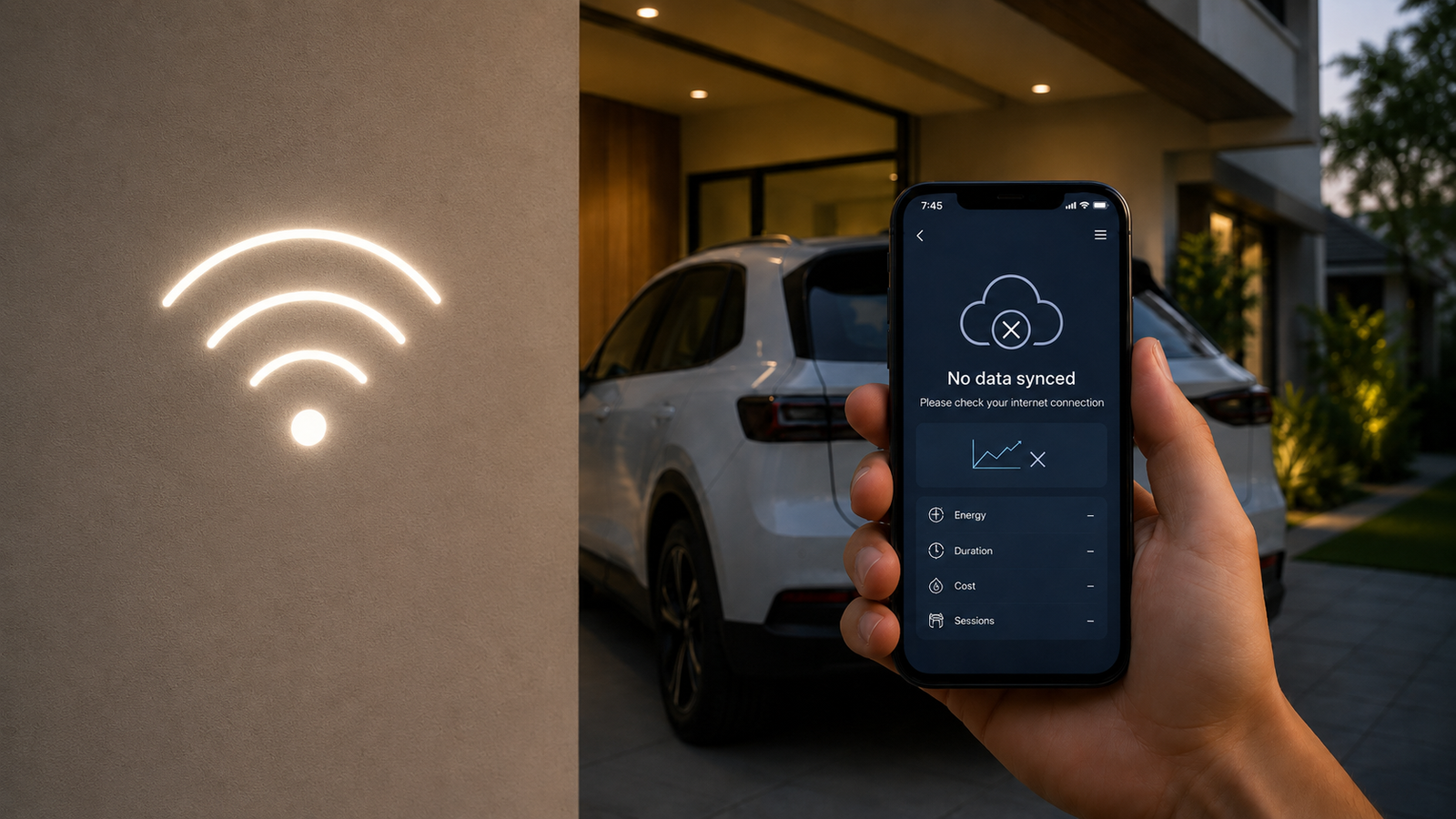

You’ve just set up your new home EV charger, excited about the convenience and the promise of smart features like tracking your electricity consumption and charging history. You connect your EV, it charges perfectly, but then you realise something is off: the app isn't showing any data. You open the app, it says 'no data synced', or perhaps it's just blank. The charger works, your car gets charged, but all that valuable information about how much electricity you're using, when you charged, and at what cost, seems to be stuck inside the charger itself. It turns out, your charger needs a Wi-Fi connection to send this data to the cloud and, by extension, to your phone.
Why Your EV Charger Needs Wi-Fi for Data Sync
Many modern EV chargers are 'smart' devices. This means they don't just deliver power; they also collect data. This data includes how much energy is consumed (in kWh), the charging session duration, peak power drawn, and sometimes even the cost if you've set up tariffs in the app. This information is incredibly useful for managing your electricity bills, especially if you have variable tariffs or want to track your EV's running costs.
However, for this data to reach your smartphone or a web portal, it needs a way to leave the charger. Most home EV chargers use your home Wi-Fi network for this. Think of it like your smart TV or smart AC; without an internet connection, they can still function at a basic level, but their 'smart' features—like streaming content or remote control—won't work.
The charger typically has a small internal memory to store some sessions locally. But this memory is limited. If it can't offload the data regularly via Wi-Fi, it might eventually run out of space, leading to older data being overwritten or simply not recorded. This is why a consistent Wi-Fi connection is crucial for a truly 'smart' charging experience.
What Happens Without Wi-Fi?
- No Real-time Monitoring: You won't be able to see the live charging status, current power draw, or estimated time to full charge from your phone.
- Missing Historical Data: Past charging sessions won't appear in your app, making it impossible to track consumption over time. This is a big deal for those who want to know their actual EV running costs.
- No Remote Control: Features like starting/stopping charging remotely, scheduling charging for off-peak hours, or setting charge limits won't work.
- Firmware Updates: Most smart chargers receive over-the-air (OTA) firmware updates via Wi-Fi. Without it, your charger might miss out on important bug fixes, security patches, or new features.
Troubleshooting Wi-Fi Connectivity Issues
If your charger isn't syncing data, the first thing to check is your Wi-Fi connection. It's often a simple fix.
1. Check Your Home Wi-Fi Network
- Is Your Wi-Fi Router On? Sounds basic, but sometimes a router might be off or rebooting.
- Is the Internet Working? Check if other devices (your phone, laptop) can access the internet using the same Wi-Fi network.
- Signal Strength: Is the charger too far from your Wi-Fi router? Walls, especially thick concrete ones common in Indian homes and basements, can significantly weaken Wi-Fi signals.
- Frequency Band: Most EV chargers work best on the 2.4 GHz Wi-Fi band. While many modern routers offer both 2.4 GHz and 5 GHz, ensure your 2.4 GHz band is active and your charger is connected to it.
2. Reboot Your Devices
Sometimes, a simple reboot can resolve connectivity glitches.
- Reboot Your Wi-Fi Router: Unplug it from the power socket, wait for 30 seconds, and plug it back in.
- Reboot Your EV Charger: Most chargers have an MCB (Miniature Circuit Breaker) or a main switch near them. Turn it off, wait for a minute, and turn it back on. This is like a hard reset for the charger.
3. Reconfigure Wi-Fi on the Charger
If the above steps don't work, you might need to re-enter your Wi-Fi details into the charger.
- Check Charger Manual: Refer to your charger's user manual for specific instructions on how to connect or reconnect it to Wi-Fi. This usually involves an app-guided setup or a series of button presses on the charger itself.
- Wi-Fi Password: Ensure you're entering the correct Wi-Fi password. It's a common mistake!
4. Check for Interference and Obstacles
Other electronic devices, metal objects, and even certain building materials can interfere with Wi-Fi signals. Try to ensure a clear line of sight between your router and the charger, or at least minimise obstacles.
Solutions for Poor Wi-Fi Signal at Your Charging Spot
If your Wi-Fi signal is consistently weak where your charger is installed (e.g., in a basement parking or a far corner of your porch), here are some effective solutions:
1. Wi-Fi Extender or Repeater
This is often the simplest and most cost-effective solution. A Wi-Fi extender captures the existing Wi-Fi signal and rebroadcasts it, effectively extending its range. Place it halfway between your router and your EV charger.
2. Mesh Wi-Fi System
For larger homes or areas with many dead zones, a mesh Wi-Fi system is a more robust solution. It uses multiple units that work together to create a single, strong Wi-Fi network across your entire property, eliminating signal drops.
3. Powerline Adapters
These devices use your home's existing electrical wiring to transmit network data. You plug one adapter into a power socket near your router and connect it to the router via an Ethernet cable. Then, you plug another adapter into a power socket near your EV charger. Some powerline adapters even come with built-in Wi-Fi, essentially creating a new Wi-Fi hotspot near your charger. This is particularly useful where Wi-Fi signals struggle to penetrate thick walls.
4. Move Your Router (if feasible)
If possible, try repositioning your existing Wi-Fi router to a more central location or closer to the charging point. Even a few feet can make a difference. Consider elevating it to reduce obstructions.
5. Upgrade Your Router
If your router is very old, it might not have the range or capabilities to handle modern smart devices effectively. Upgrading to a newer, more powerful router can significantly improve Wi-Fi coverage and stability.
The Importance of Connectivity for Your EV Charging Experience
While your EV charger will still charge your car without Wi-Fi, you'll be missing out on a significant part of the 'smart' experience you paid for. The ability to monitor, control, and understand your charging habits is a key benefit of owning a modern EV charger. Ensuring a stable Wi-Fi connection isn't just about convenience; it's about getting the full value out of your investment and making your EV ownership truly seamless.
Before you call an electrician for a charger fault, always make sure your Wi-Fi is robust enough to reach your charging point. A strong signal can save you a lot of hassle and unnecessary service calls.
Checklist for Data Sync Issues
- Is your home Wi-Fi network active and internet working?
- Is the Wi-Fi signal strong enough at the charger's location?
- Have you tried rebooting both your Wi-Fi router and the EV charger?
- Have you reconfigured the Wi-Fi settings on your charger via its app or manual process?
- Consider a Wi-Fi extender, mesh system, or powerline adapter if signal is weak.


