
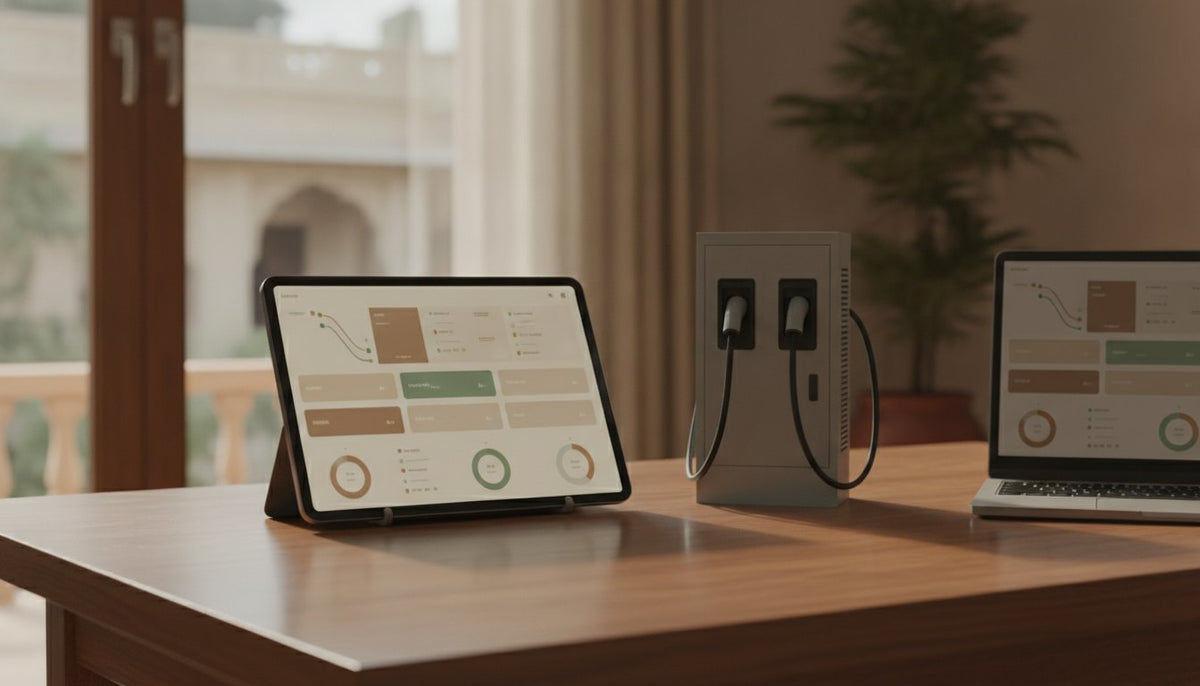

Short answer: the charger delivers the power, but the software runs the business. Good charging station software (the industry calls it a CMS or CPMS, a charge point management system) lets drivers start and pay without friction, lets you set your own prices, sends the money to you, tells you the moment a charger has a problem, and can show your own name instead of someone else's. Our software does all of this and can be fully branded as yours: your name, logo, colours, web address and even your own app in the Play Store and App Store.
Why software matters more than people expect
Two stations with the same chargers can earn very differently. One is listed on maps, takes UPI and is fixed within hours when a gun faults. The other needs an app nobody has, and sits "offline" for a week before anyone notices. The difference is almost entirely software. When you compare charging companies, spend as much time on the software as on the charger.
What good software does, in plain words
1. Lets anyone start and pay
- Walk-in drivers scan a QR code and pay by UPI, with no app. The amount is held and only what is used is taken. See how UPI charging works.
- Regulars can use an app, and staff or fleet drivers can use RFID cards.
- Fleets can have their own accounts and cards with one statement.
2. Puts you in charge of price and access
- Price per unit, per minute, a flat fee, or a mix.
- Different prices at different times of day.
- An idle fee for cars that stay plugged in after they are full, with a grace period.
- Different prices for different groups: residents and guests, staff and visitors, members and the public.
- Public, private or member-only chargers.
- Offers and coupons when you want to bring people in.
3. Pays you, with clean records
- Session money credited to your bank account the same day.
- Receipts with GST for every session.
- Earnings and session reports you can export, and a link to accounting software.
- If the station is on someone else's land, the host's share can be worked out automatically by contract: a percentage, a fee per session or a fee per unit. Read hosting a charger on your land.
4. Watches the chargers for you
- Every charger shown live as available, charging, offline or faulted.
- A fault or a charger going offline raises an alert by email, explained in plain words from the charger's own error codes.
- Remote start, stop, restart and unlock, so many problems are solved without a visit.
- Software updates sent to the chargers over the air.
- Uptime per gun, so you know which charger is letting you down.
5. Shares power sensibly
When two cars charge on one charger, the software shares the site's power between the guns so the supply is never exceeded. At fleet depots it can plan charging across many chargers within one power limit, giving priority to vehicles that leave first.
6. Gets you found
Your chargers appear on the Zevpoint app and public map. With the optional roaming link (OCPI), they also appear in partner networks' apps, so drivers of other networks can charge with you too.
7. Works for a team
Many sites in one place, grouped by area, and separate roles for the owner, managers, finance and support, each seeing only what they need.
Your brand, not ours
If you are building a charging business rather than a single charger, you will want drivers to remember your name. Our software can be fully white-labelled:
| What drivers see | What it can show |
|---|---|
| The page that opens when they scan the QR | Your name, logo and colours, on your own web address |
| The QR sticker on the charger | A link to your own web address |
| The mobile app for regulars | Your own app, under your name, in the Play Store and App Store |
| Receipts | Your business name and your support contacts |
| The dashboard your team uses | Your name and logo, on your own web address |
This is the main thing a franchise used to sell: a brand and an app. With white labelling, you build your own. See do you need a franchise?
Open standards: the quiet protection
The software talks to chargers in OCPP, an open standard, in versions 1.6 and 2.0.1. That works both ways. Chargers you already own from other makers can usually be connected without replacing hardware. And chargers you buy from us are not locked to our software forever. Ask any company you speak to the same question: "if I leave, do my chargers keep working?"
What we would not do
We would not buy chargers whose software cannot be changed. We would not accept software that only takes payments through its own wallet. We would not run a public site without remote fault alerts. And we would not build a charging business under someone else's name when the software can carry ours. See it in action on software and payments, or ask for a demo.
Frequently asked questions
What is a CMS or CPMS for EV charging?
A charge point management system is the software that connects to your chargers. It handles starting sessions, prices, payments, receipts, fault alerts and reports.
Can EV charging software carry my own brand?
Yes. Ours can show your name, logo and colours on the driver pages and dashboard, run on your own web address, and come as your own app in the Play Store and App Store.
Can I set different prices for different users?
Yes. You can set prices by user group, by time of day, add idle fees and run offers, and make chargers public, private or member-only.
Will the software work with chargers I already own?
Usually, if they run on OCPP 1.6 or 2.0.1. We check compatibility with a test charger before moving a site over.
How will I know if a charger stops working?
The software marks it offline or faulted and sends an alert by email, explaining the fault from the charger's own error codes. Many faults are fixed remotely.


